
That old phone in your drawer? It’s a TV box now.
Most of us have one. A phone that’s two, four, maybe six years old. Great screen, fast enough to stream, still holds a Wi-Fi signal. It just sits there because a phone home screen was never built for the couch.
So we built one that is.
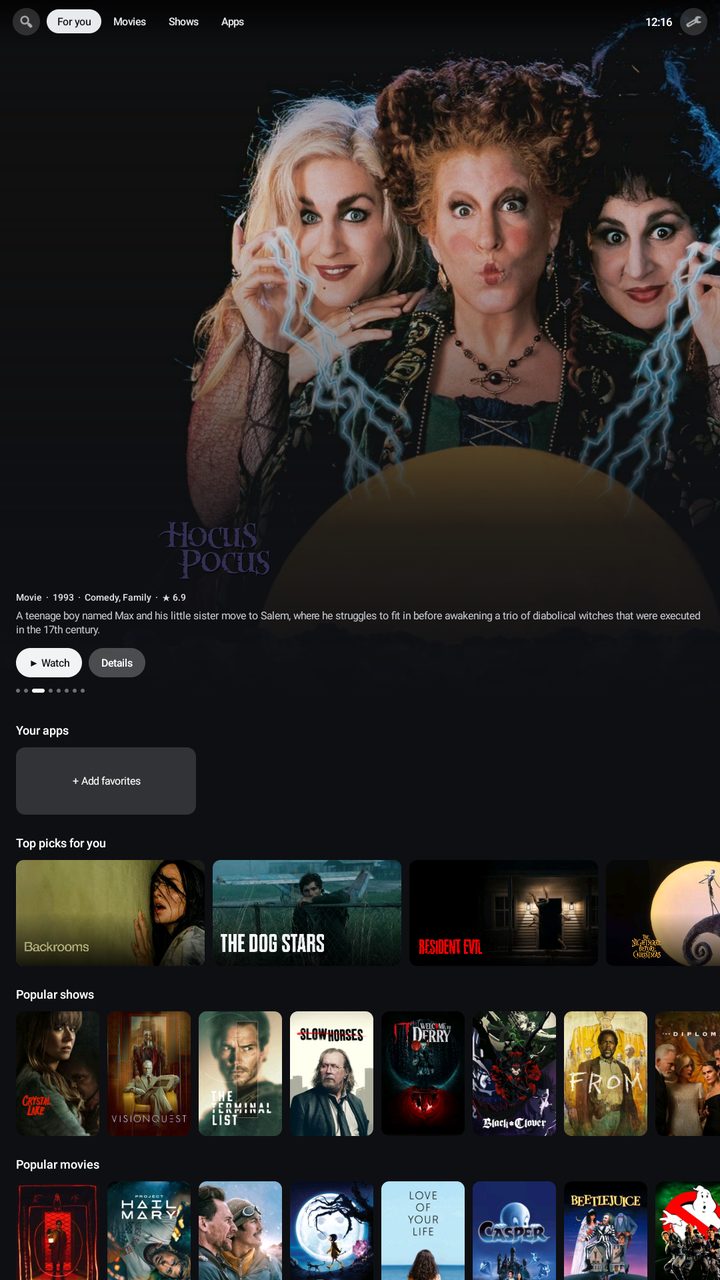 Phone TV is a free, open-source TV-style home screen from zGenMedia. Install it on an Android phone and it stops looking like a phone. You get a big featured banner, a shelf for your streaming apps, and rows of what people are watching right now. Plug it into your TV, pair a controller, and you’ve got a streaming box you didn’t have to buy.
Not just phones: your PC gets it too
Here’s the part we didn’t see coming. Phone TV runs beautifully on Windows through BlueStacks. Go fullscreen and your PC turns into a clean, lean-back TV screen. No desktop clutter, no browser tabs, just big artwork and your apps on one shelf. If you’ve ever wanted a home theater PC that doesn’t feel like a PC, this is it.
What it does
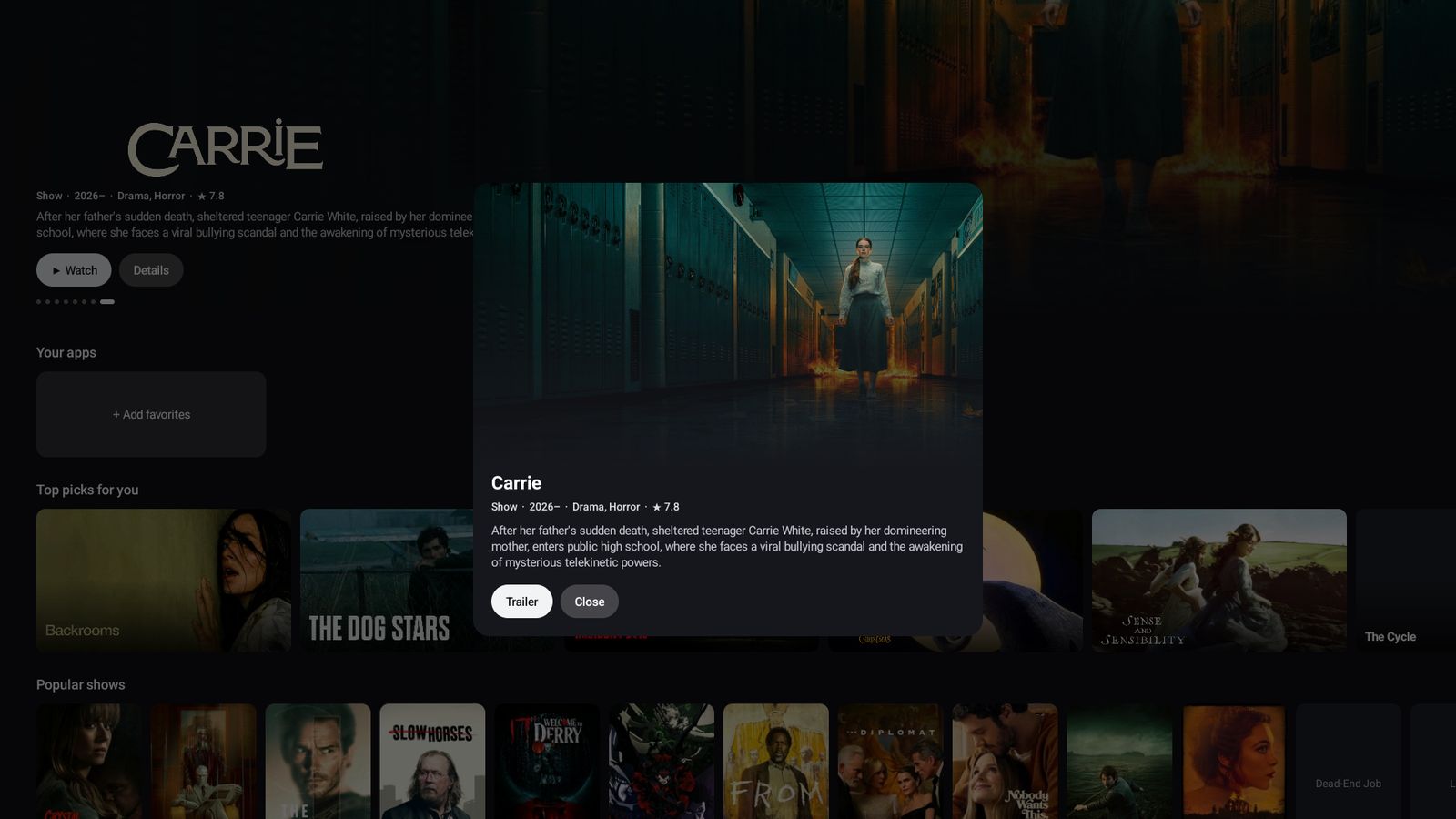
- A real TV home screen. Featured carousel, “Your apps” shelf, Movies and Shows tabs, and a top bar that slides away when you scroll.
- Runs Android TV apps. TV editions of your favorite apps show up with their proper TV banners and launch the right way.
- Tune the banner with a few words. Tap Tune and type what you’re in the mood for: asian romance, latest spanish, nigerian comedy, 90s action. The banner fills with matching titles. No menus, no account.
- Plex built in. Link your account with a four-letter code and your Continue Watching and Recently Added rows show up right on the home screen.
- Your lists, your rows. Power users can add public Trakt lists as rows. Want Black cinema, Nollywood or anime front and center? Done.
- Updates itself. New versions download in the background and install with one tap.
- Tiny and private. About 70 KB. No ads, no account, no tracking.
Why open source?
Because a great idea for old hardware should be free for everyone who has old hardware. Phone TV is open source under the GPL-3.0 license: anyone can read the code, learn from it and improve it, and anything built on it has to stay open too.
 Get it
- Download PhoneTV.apk from the official site: zgenmedia.github.io/phone-tv
- Open it on your phone (or drag it into BlueStacks on PC) and allow the install.
- Press Home, choose Phone TV, and settle in.
Want to see the code or follow along? It’s all on GitHub at github.com/zGenMedia/phone-tv.
Keep it going
Phone TV is free and always will be. If it gave an old phone a second life, or turned your PC into the best seat in the house, you can support the project on Ko-fi: ko-fi.com/zgenmedia/tiers
Phone TV is an independent zGenMedia project and isn’t affiliated with Google, NVIDIA, Plex, Stremio or BlueStacks.